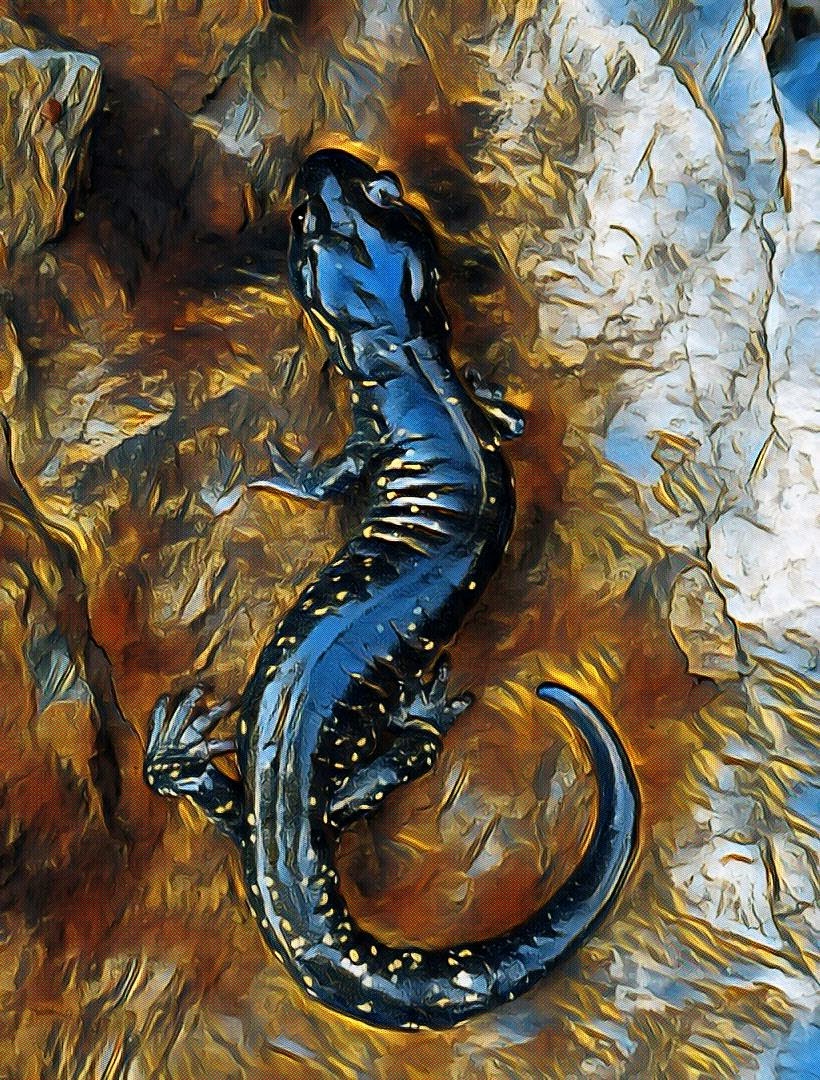
Auto-Tagging and Rating 13,000 Photos with AI
I shoot a lot of macro and nature photography, and I’m terrible at organizing it afterward. My photo library was a mess. Half the folders were named by theme (“mushrooms”, “insects”), half by event (“Alaska”, “Long Tulsa Visit”), and a couple were just labeled “Random” and “Temp.” A mushroom photo from a vacation shouldn’t have to pick one category. I couldn’t remember if the Temp photos had been transferred already or not. A hot mess.
Since I can’t trust myself to stick to an organizational format, I developed a tool to automatically process photos loaded in the ‘inbox’ folder. Now all my photos are binned into yyyy-mm folders (after blessedly checking for duplication) and I let AI handle the categorization through tags instead. The problem: no existing tool did what I wanted. STAG by DIVISIO AI gets close. It uses the Recognize Anything model to auto-tag images and writes the results into XMP sidecar files, which darktable reads natively. But I also wanted to know which of my 13,000 photos are actually good, and which ones I should probably delete.
So I forked it and added two features.
 One of 556 photos in the old “Mushrooms” folder. STAG+ tagged this one:
 mushroom, forest, red, log.
What STAG+ does
It runs three models on your photos, all locally, and writes the results to XMP sidecar files.
The content tagger is RAM+ (Recognize Anything Model). It tagged my macro shots with things like insect, spider, beetle, snail and my landscape shots with lake, sunset, tree. Not perfect, but good enough to filter a large library by subject.
For image quality there’s BRISQUE, a no-reference quality metric that catches blur, noise, and distortion. No neural network, just spatial statistics. This one’s useful for finding the technically bad shots in a sequence of photos.
The aesthetic scorer uses NIMA, an InceptionV2 model trained on the AVA dataset (255,000 photos rated by humans for visual appeal). It predicts how good a photo looks on a 1-10 scale. The score gets written as an XMP star rating, so in darktable I can filter by stars and immediately see my best work.
What I learned running it on 13,000 photos
A little under 2 seconds per image, the first run of the database took hours but now it’s just a few minutes to load a couple days’ worth of shooting. The IQ model was reassuringly boring. 97% of my photos scored medium or high, which makes sense, either I’m talented or the IQ model is generous (obviously the latter). The 3% that scored low were genuinely bad (accidental shutter fires, missed focus).
The aesthetic model was more interesting. NIMA is calibrated against professional photography, so it’s harsh. My max score was about 5.3 out of 10. I fed it some nice professional photos to sanity check and those topped out around 6.1. So the model isn’t broken, it just has high standards. What matters is the relative ranking: my 4- and 5-star photos are noticeably better than my 1- and 2-star photos when I review them in darktable.
The most surprising result was the tag distribution. Nearly half my 2026 photos were tagged insect. Which I guess is an artifact of taking 100 photos of a single insect, hoping one nails the correct plane of focus.
 One of the 48% — an ichneumon wasp. STAG+ tagged it:
 insect, bug, wasp, wing, close-up.
The darktable workflow
After running STAG+, I import the folder in darktable and everything shows up: tags in the tag panel as a collapsible hierarchy (st|insect, iq|high, aes|medium), and star ratings in the filmstrip. My actual editing workflow is now:
- Filter to 4+ stars
- Edit those
- If I have time, look at the 3-star photos
- Ignore 1-2 stars unless the subject matters
Beats staring at 800 photos trying to remember which ones were good.
RAW+JPG handling
One performance detail worth mentioning: if you shoot RAW+JPG (I shoot ORF+JPG on an Olympus), STAG+ detects the pairs and only runs the models on the JPG, which decodes faster. The results get written to XMP sidecars for both files, so darktable sees the tags regardless of which one you’re editing. This cut my processing time roughly in half.
Try it
It’s at github.com/adamkc/stag-plus. Python 3.10+, runs fast on CPU (no GPU needed). Models download automatically on first run. The README has setup instructions and CLI examples.
If you use darktable, run it with --prefer-exact-filenames so the sidecar naming matches what darktable expects.